
Research your product
Explore product ideas and discover opportunities.
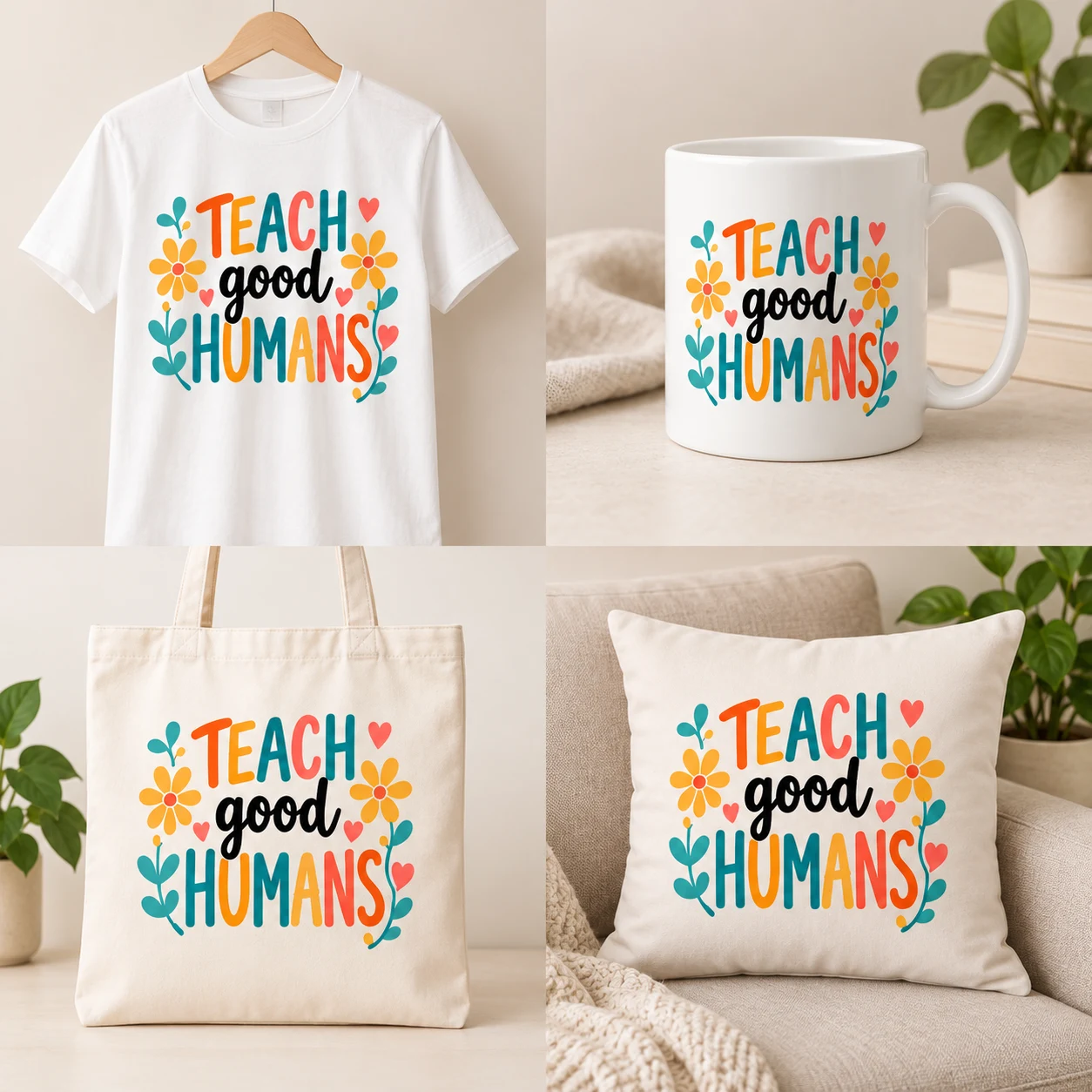
Teacher Shirt
Teacher themeFloral lettering design
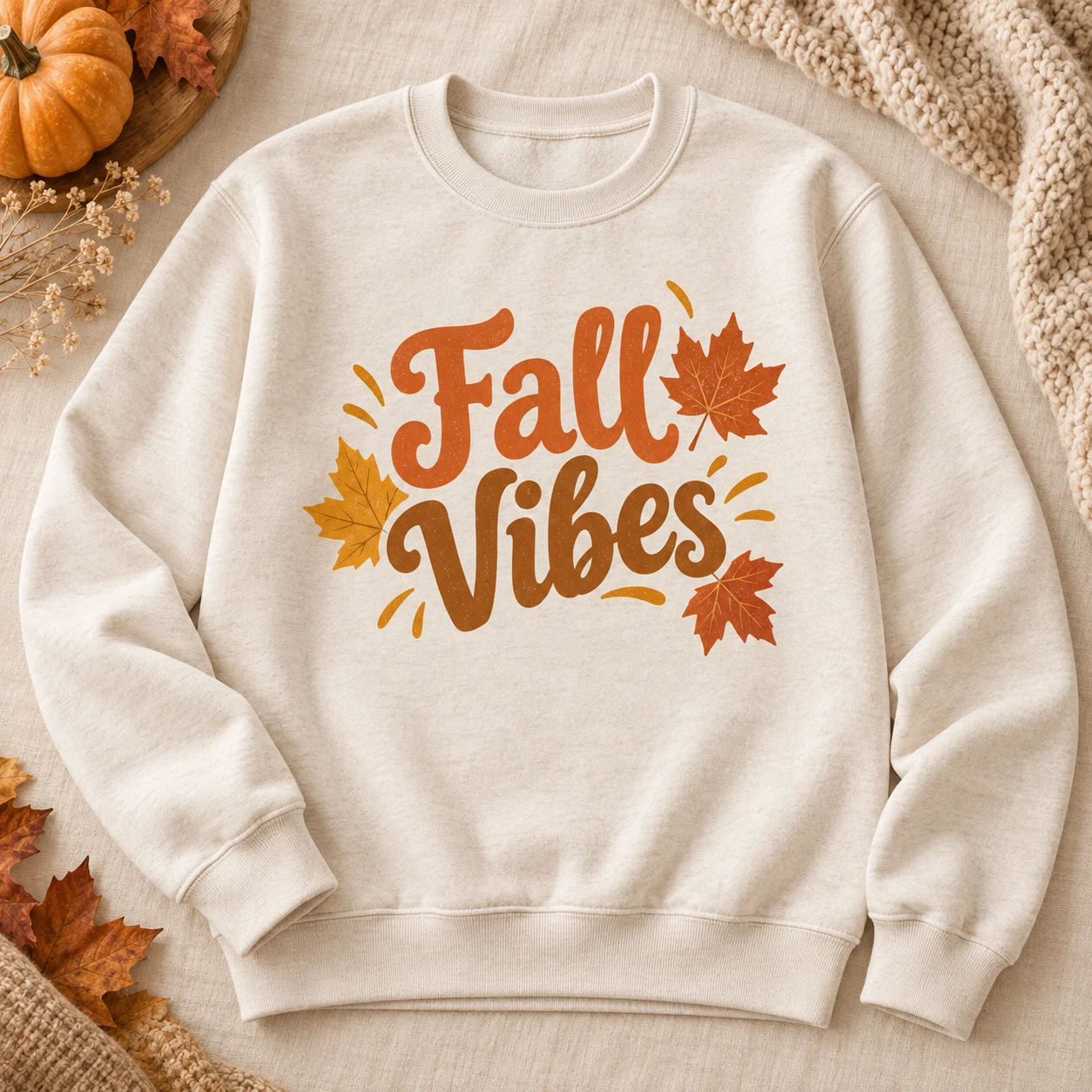
Fall Sweatshirt
Seasonal ideaAutumn collection
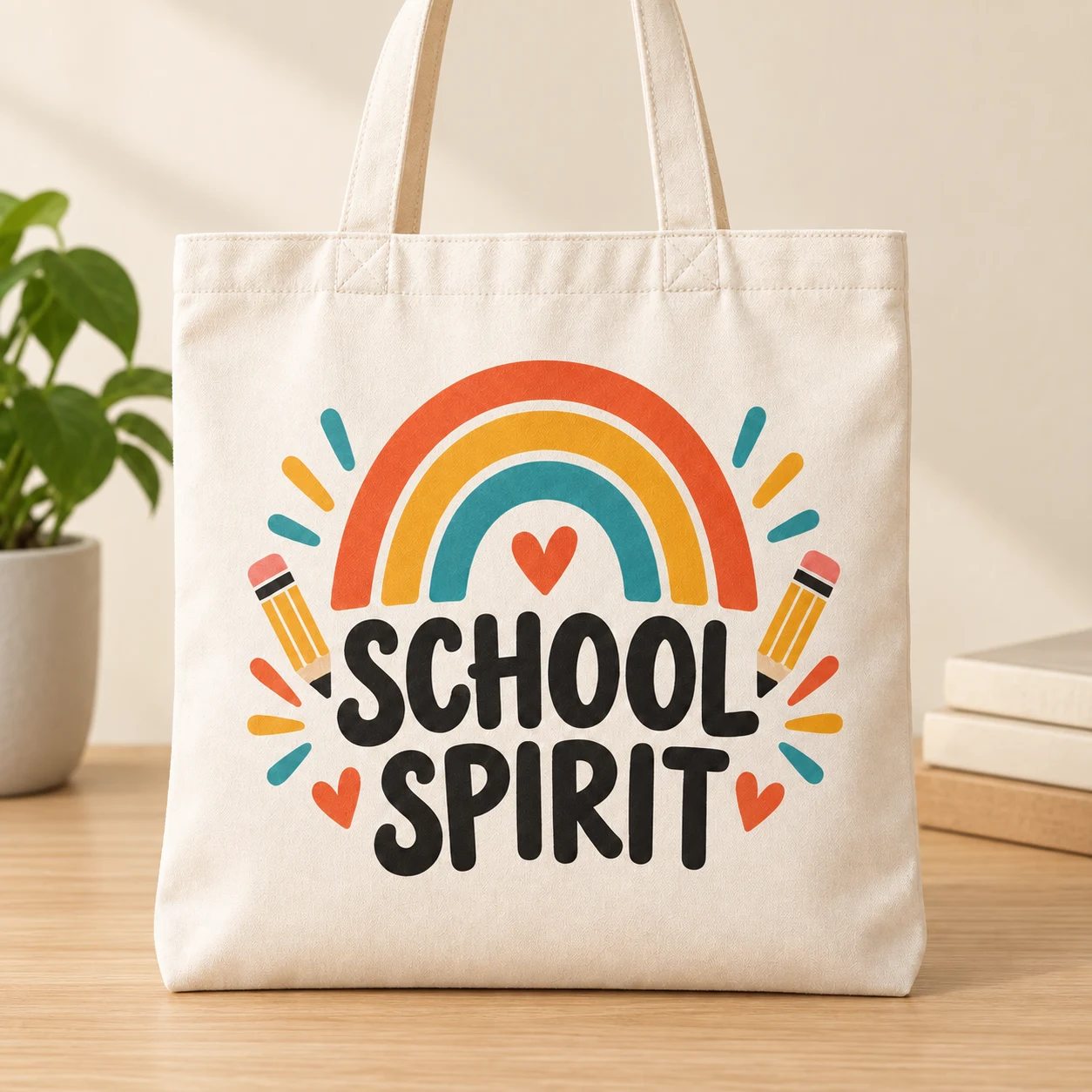
School Spirit Tote
School collectionColorful school designs

Everything for your Etsy shop, in one place
Explore product ideas, create a design with AI or upload your own. Prepare product mockups and your Etsy listing in the same workspace.

Illustrative example
Explore product ideas and discover opportunities.

Floral lettering design

Autumn collection

Colorful school designs
Create similar designs with AI or upload your own.
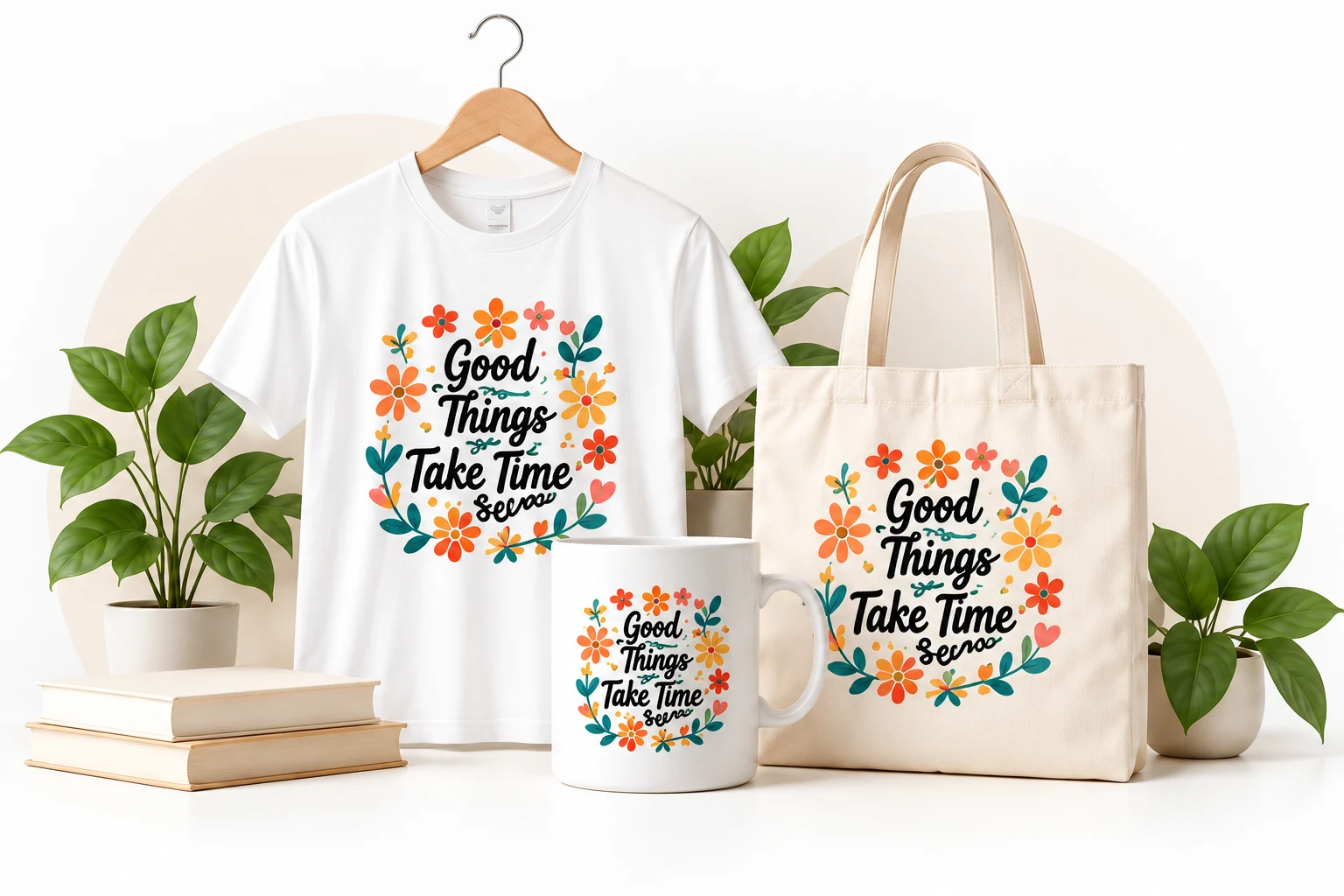
Colorful teacher quote design with flowers, hand-drawn style.

Show your design on different products with realistic mockups.


Prepare your title, description and images. Review before publishing.

Listing preview
View listing workflowA floral design inspired by teachers. Bring your images and listing content together for your selected products.
Bring repeated tasks into one workflow.
Present your design with product mockups.
Work in your browser, without installation.
Explore ready-made designs and find inspiration.
For your everyday work
Apply your design to compatible print areas. Review the placement of each image before adding it to your listing.
Save category, shipping, and production details, then reuse them in suitable listing drafts.
Follow missing draft details, your shop connection, and the publishing result in the same queue.
REUSABLE LISTING PROFILES
Create a listing profile and link it to your listings. You decide what stays fixed and what is prepared for each product.
Choose your own title, tags, features, and attributes, or use AI to prepare them for the product.
Add color charts, care instructions, and videos to your profile. Reuse them in linked listings.
Prepare the opening for each product and reuse the rest from your profile. You can also keep the whole description fixed.
Use fixed values for the title, tags, features, and attributes, or choose AI for individual fields. Set the description layout here too.
AI prepares a title for the product.
AI prepares tags for the product.
Uses the features saved in the profile.
Uses the attributes saved in the profile.
2 fixed fields · 2 AI fields
Prepare a product-specific opening or use your saved profile text for the whole description.
Flowers and the “Teach Good Humans” message come together in this design for teachers.
Your saved Comfort Colors product and sizing details, care instructions, and order notes.
Reuse your files. Add fixed photos and videos to your profile and use them in linked listings.
Review the permissions granted to your shop and its connection status. You make the final decision before sending a listing.
USAGE AND CONTRIBUTIONS
Plan the operations you use. Learn when shared content may earn credits.
Credit use depends on the operation you choose. Review the amount in your account before it begins.
Current plan features and credit allowances are listed on the pricing page.
When another user uses your design or mockup in an eligible listing that publishes successfully, a verified and approved reward is added to your account as credits.
Sharing, downloading, or previewing alone does not earn credits. Eligible use must be verified and the reward approved.
How can I earn credits?COMMON QUESTIONS
A few things to know before getting started. Contact us if you have another question.
Contact usNo. You can choose fixed values for the title, tags, features, and attributes. Use AI only for the fields you select.
Yes. Add product photos, color charts, care instructions, and videos as fixed media in your profile. You can use those files in listings linked to that profile.
Yes. In the listing fields, you can combine a product-specific opening with shared text saved in your profile. You can also keep the entire description fixed.
Yes. Open your own account and begin preparing listings. See the free plan’s features and credit allowance on the pricing page.
See your plan’s credit allowance on the pricing page and your available balance in your account. The cost of a credit-based operation is shown before it begins.
No. Another user must use your design or mockup in an eligible listing that publishes successfully. A reward is added as credits after the use is verified and approved. Downloading or previewing alone does not earn credits.
Reuse listing profiles in suitable drafts and, within your plan's allowance, copy drafts to selected shops and profiles. You review each listing and decide when to send it to your shop.
Read the Etsy bulk listing workflow guideMakaytron helps you prepare listing details and selected images in a draft. You review each listing and decide when to send it to your shop. Sending requires a connected shop, the necessary permissions, and complete listing details.
You can apply your design to selected compatible mockup surfaces. Automatic mockup generation is in beta; review the image placement and adjust it when needed.
Read the Etsy mockup workflow guideYes. Review the images, listing details, and settings before sending it. Your shop connection and required preparation must be complete; you can follow the publishing status in the queue.
Use the Etsy listing preparation checklistYOUR NEXT STEP
Your listing profile, media, and product details. Together in one workspace.